Vibe-Coding Devlog #2 — Design Details
AI doesn't do it all for you
The hardest part of building this website was the design. These days you see plenty of great-looking websites people claim were designed by AI alone, but I think there's a fair amount of BS mixed in. They may not have tweaked things by clicking around in a tool like Figma, but in the end a person nailed down every detail and passed it to the AI in writing. AI is genuinely handy for the groundwork — the big layout and where content goes — but it won't build the kind of slick website we admire on its own. In the end, a person has to think up the original touches, point at each element one by one, and give it a concrete direction. If you've worked with design tools, you can probably apply a specific technique or reference directly, along the lines of ‘design this button in such-and-such style.’ But since I'd never done any design, I didn't even know what to call the things I wanted to fix, or why my design looked so bad. I agonized over it a lot. Then I just gave up. Even so, the site looks much better now than it did at first. These days I simply change things however I feel like. Here are a few of the parts I put some care into.
The spinning mini card
A prime example is this spinning card you can find on the Core model result pages. A cute summary card from the Core models is this service's hook, but it only appears when you press the share button, so I figured nobody would ever notice it. So I placed this miniature card right next to the share button. Even this spinning card has its own detail: I gave the rotation speed some rhythm, so it spins quickly through the back and slowly while the front is showing. Thanks to that, the front of the card stays in view longer, and the spin itself looks much more natural. In design, no matter how long you talk with Claude, it never suggests detailed improvements like this.
Escaping the AI-looking icons
Websites made with Claude have a telltale sign: the icons. If you have Claude build a new page or section without a specific prompt, this icon is bound to show up. You can spot it in lots of vibe-coded websites and apps these days. I tried every kind of instruction to change it, but it never really breaks out of this style. So in the end, I generated the icon myself with Midjourney. Adding just one standout element like this, you can see much of the AI look fade away.


The result summary card
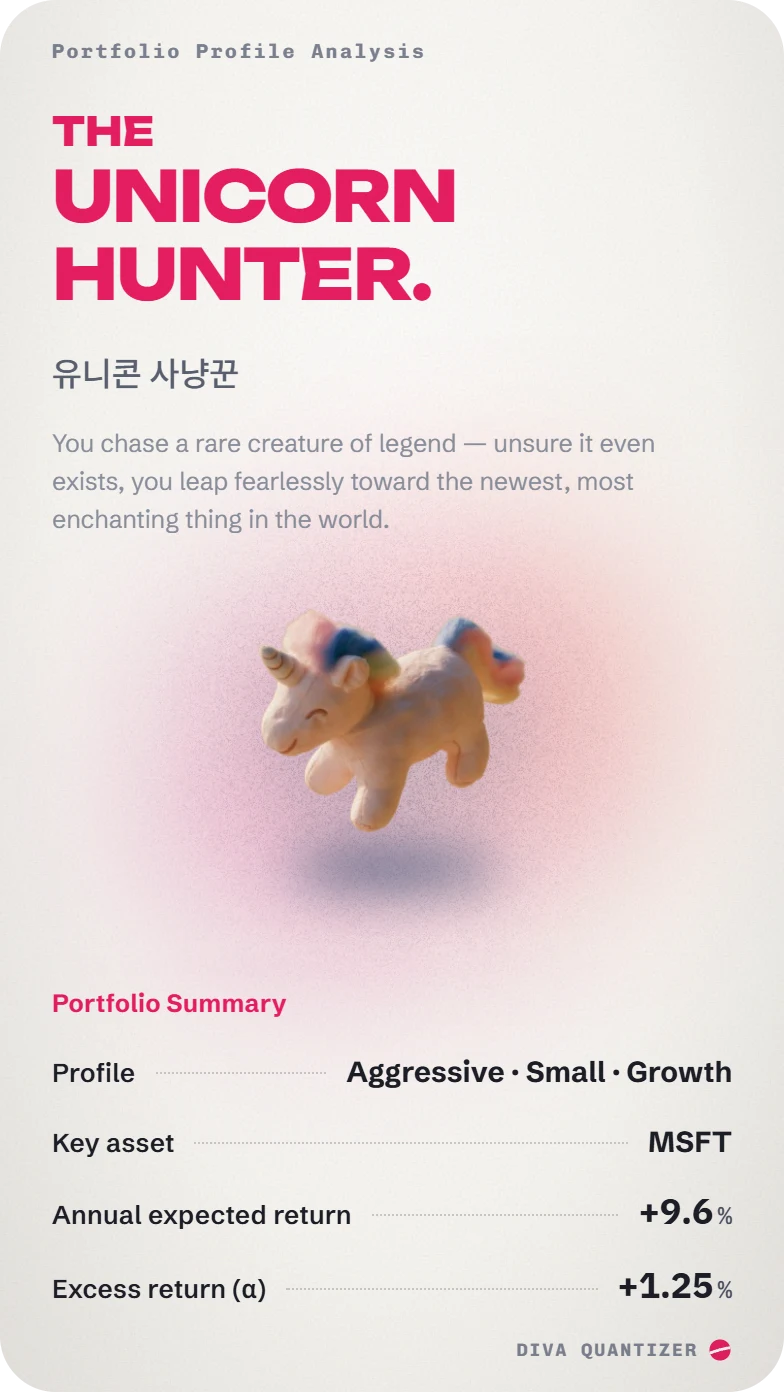
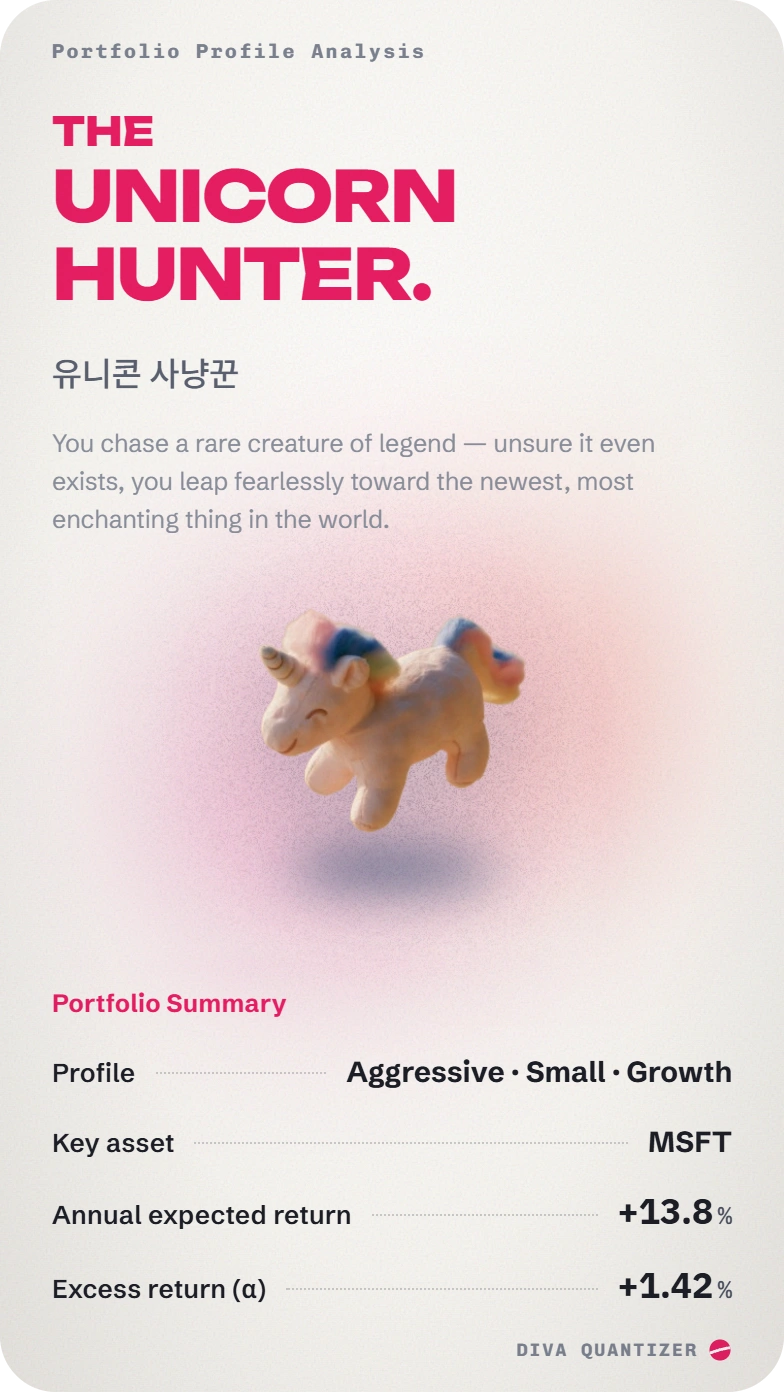
The result summary card needed a human hand in the end, too. At first I wanted to give it the kind of sensuous style you see in Figma ads these days, but design quality at that level really does take a professional. So I settled on a compromise: Claude laid out the options it could do, I picked a direction, and I tuned only the fine details myself. One choice that turned out pretty well was giving the card some texture with a noise effect. Overall it doesn't look all that polished, but once I made distinctive images with Midjourney and put them in, it became a share card that's decent enough to look at. The catch was that the noise effect and the images were fairly heavy for the web, so the card took quite a while to load. The session where we were talking about design didn't pay any attention to that, either. So in the end, another important part of the job is for a person to fussily catch every little annoyance in the web experience, one by one.